screenshots/sms.png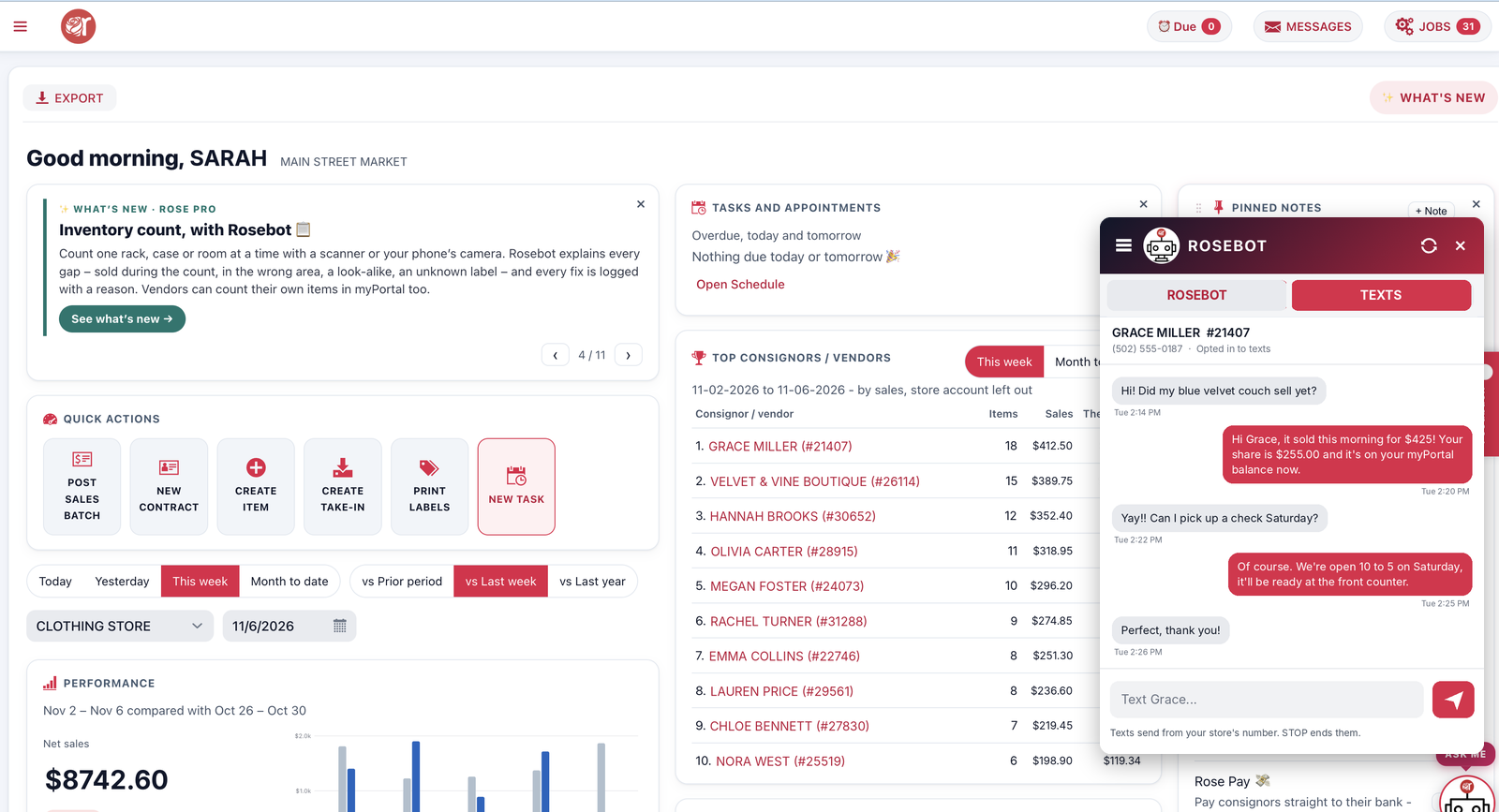
Text messages Rose Pro Coming soon
Text one consignor, a few or everyone – and read their replies in Rose.
Learn moreRose keeps growing with your store. Here’s everything we’ve added lately – each page shows what it does and how to switch it on.
Rosebot answers questions about sales, inventory, payouts and consignors from your own store data.
See how it worksTaxes & feesEvery item has its own TAXES switches, one for each sales tax. Categories set the defaults, you lock what consignors may change.
See how it worksMulti-locationAn item can be for sale at several Square locations, with its own quantity at each. Move stock between stores in a click.
See how it worksInventory countCount one rack, case or room at a time with a scanner, your phone's camera or by typing SKUs.
See how it worksText messagesSend a quick text to one consignor, a few, or everyone, and read their replies in Rose.
See how it worksRose PaySkip the checkbook: payouts go by ACH bank transfer to your consignors' and vendors' own bank accounts.
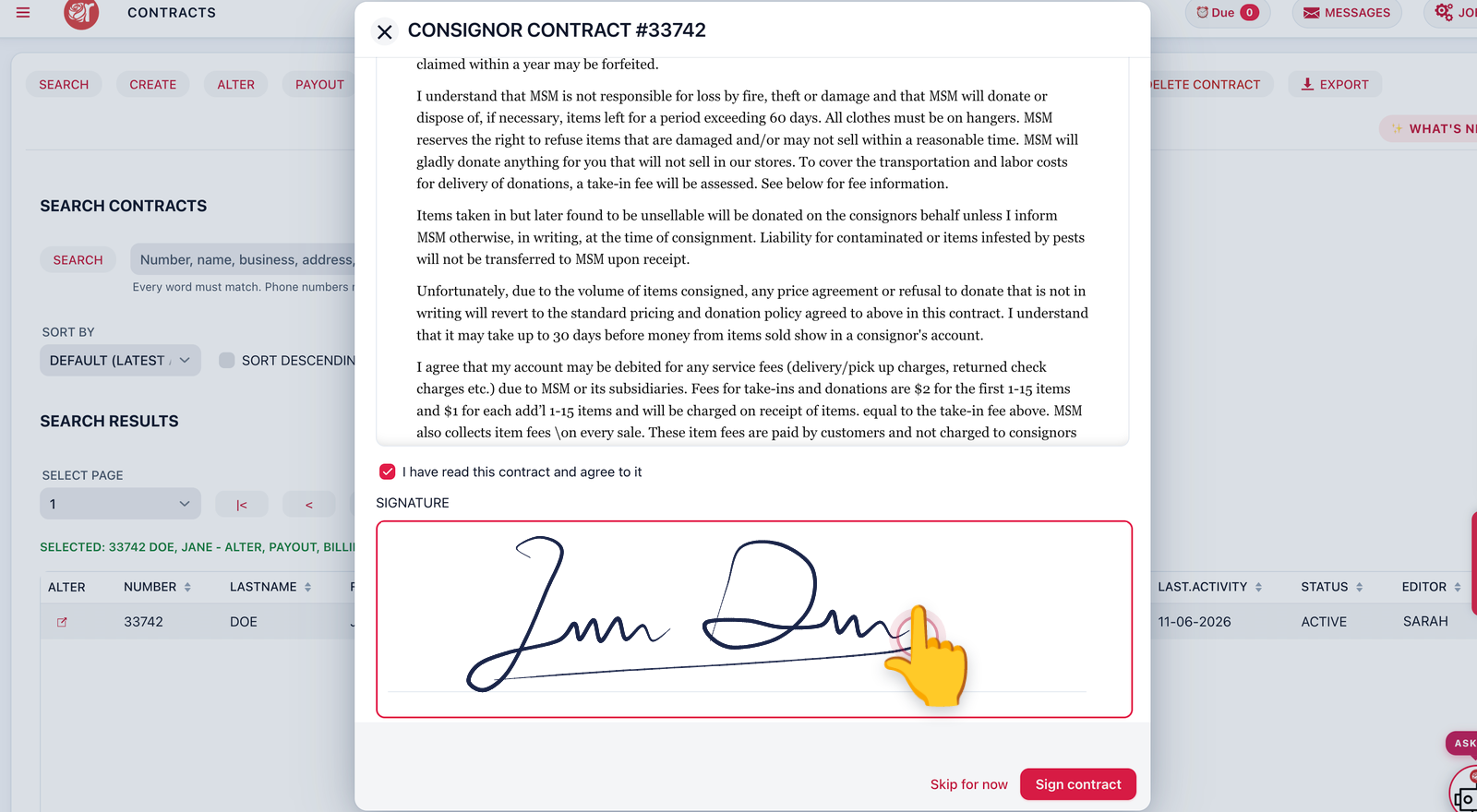
See how it worksContractsConsignors sign with a finger on a phone or tablet. Signed PDFs land in their myPortal documents.
See how it worksLabelsDrag the price, description and barcode where you want them, and pick the font for each.
See how it worksQuickBooksConnect QuickBooks Online once, and every consignor payout is recorded for you.
See how it worksScheduleTasks, appointments, pick-ups and drop-offs together, with reminders for staff and consignors.
See how it worksBrandsSave your store's brands once – they drop down and fill in as you type.
See how it worksSticky notesStore notes everyone sees, and notes on a contract, item or take-in that pop up when it's on screen.
See how it worksText one consignor, a few or everyone – and read their replies in Rose.
Learn more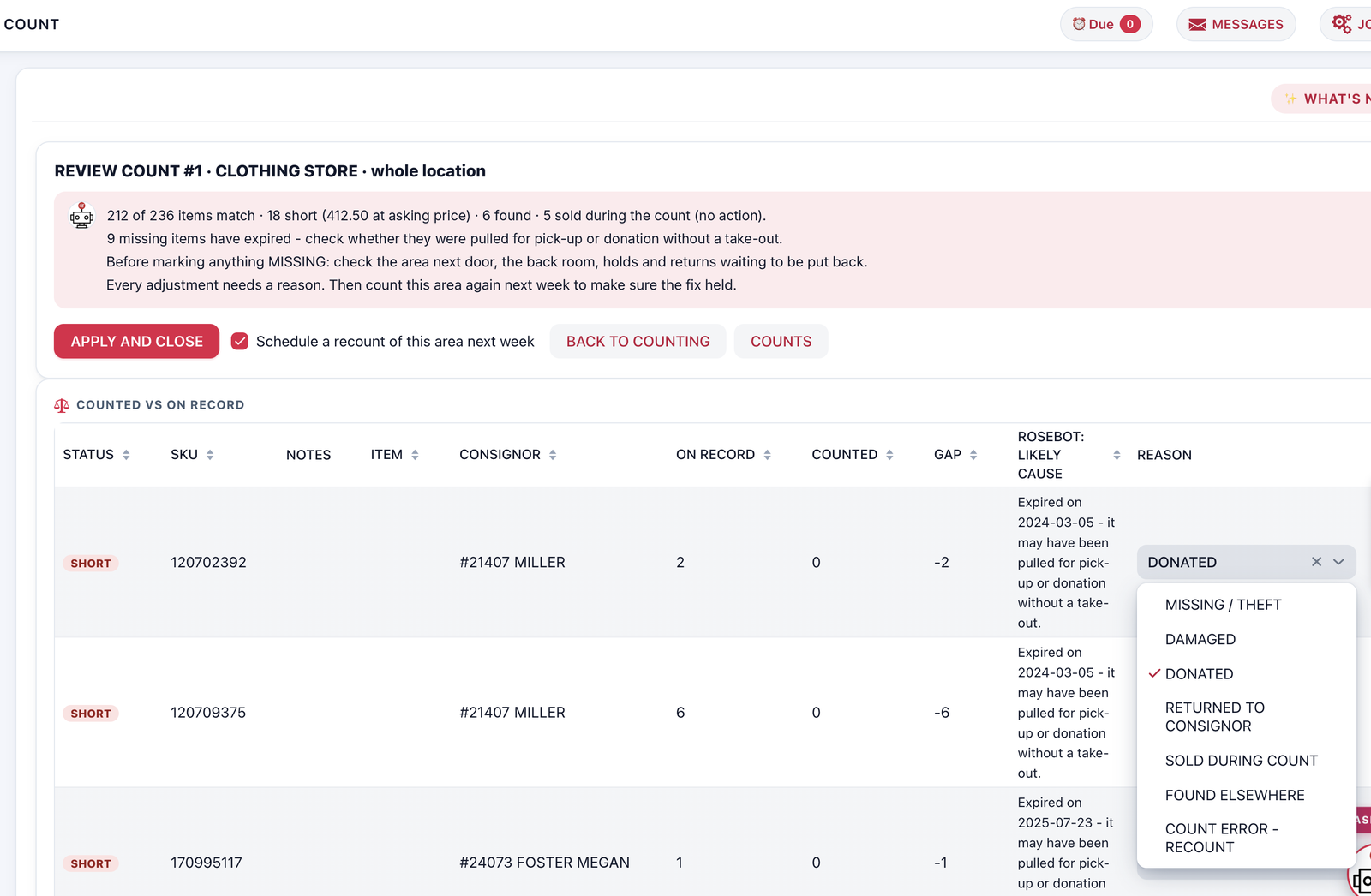
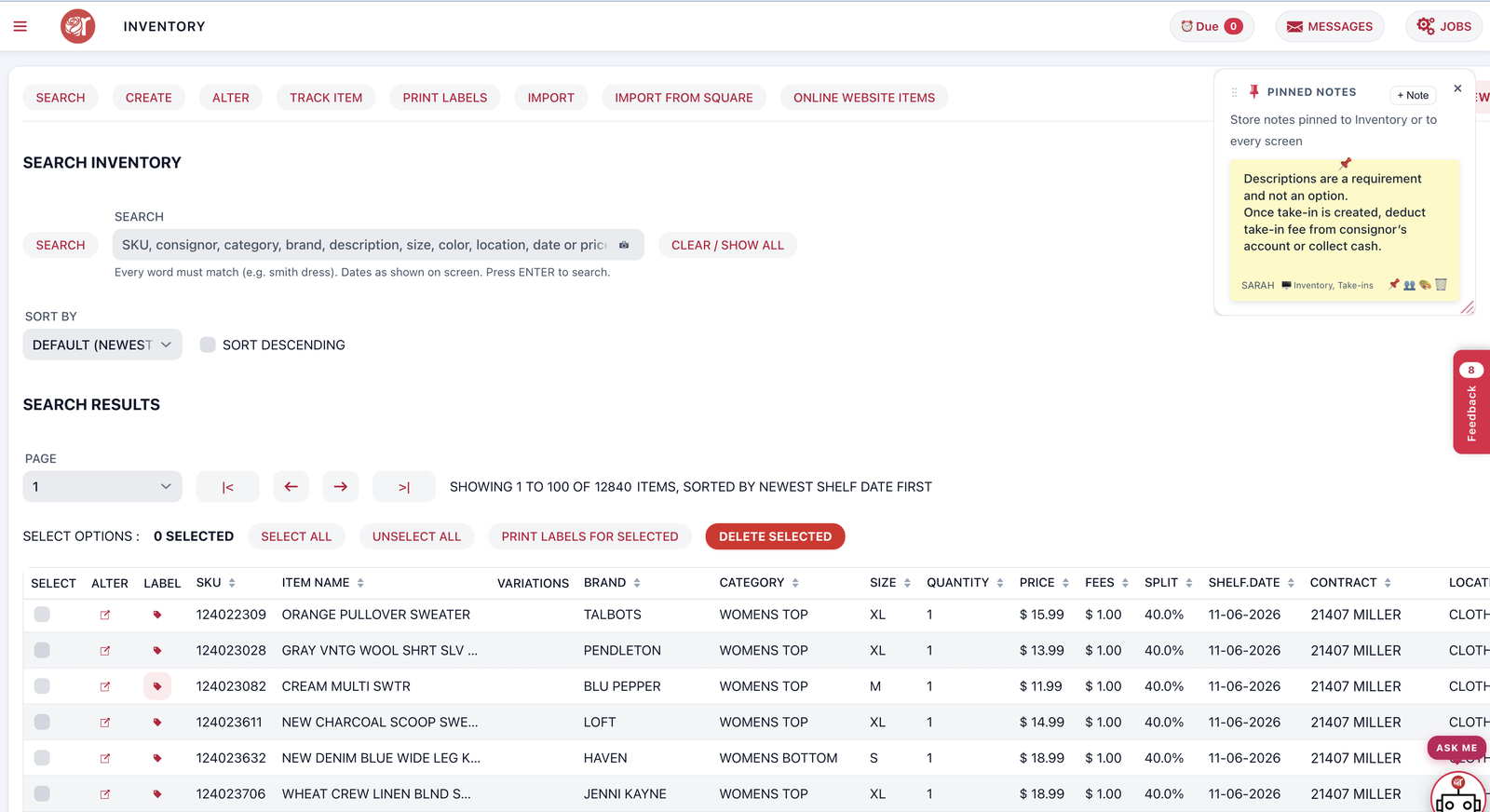
One item, for sale at the locations you choose, with item taxes just like Square.
Learn moreConnect once and every consignor payout books itself.
Learn more
Start your 30-day free trial. No credit card needed – your Rose store is ready in about a minute.