
screenshots/sms.png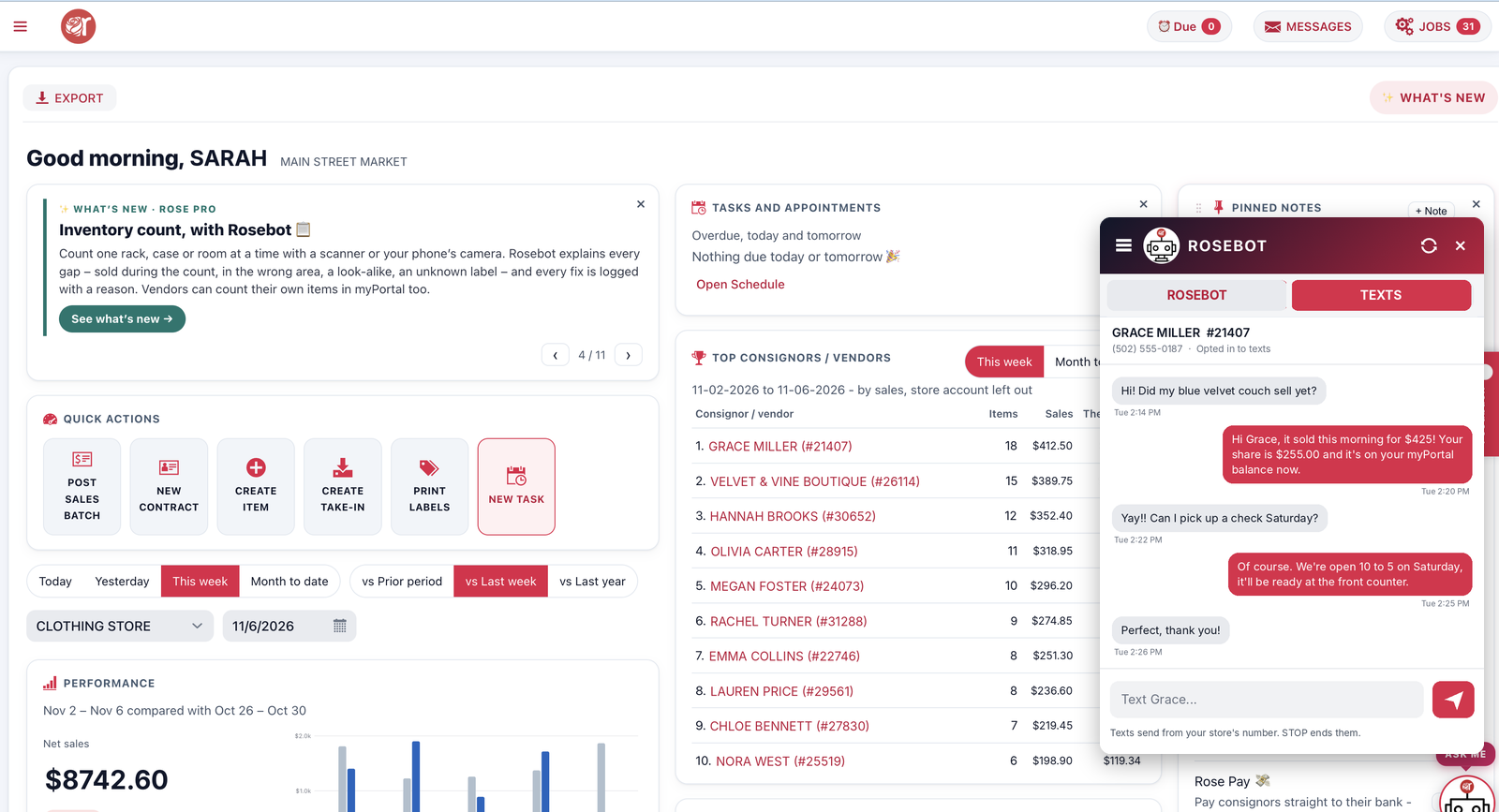
Text messages Rose Pro Coming soon
Text one consignor, a few or everyone – and read their replies in Rose.
Learn moreRose runs your take-ins, labels, consignor payouts and vendor portal – and syncs every sale with Square. Now with Rosebot, batch payouts, a label designer and more.
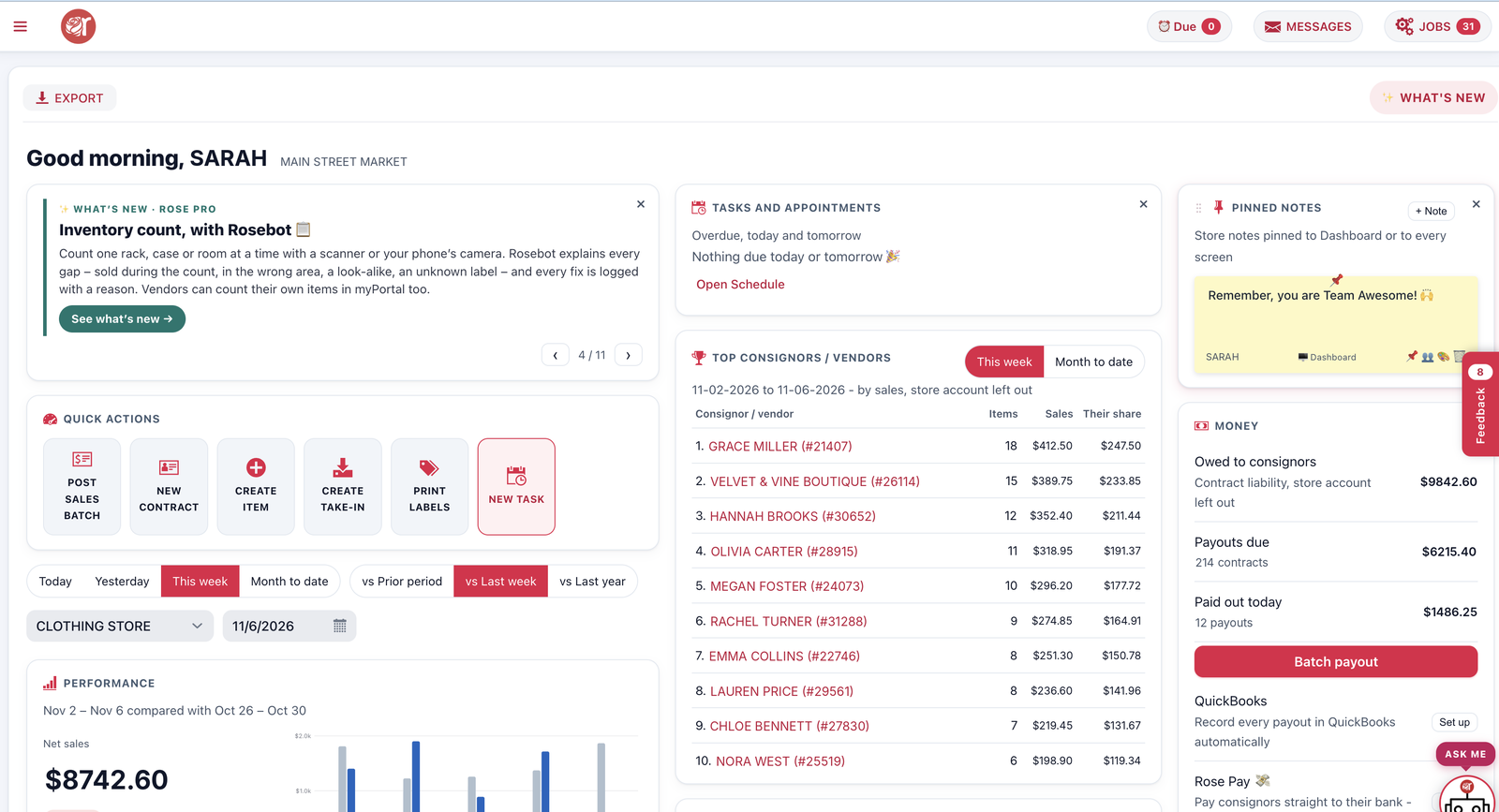
 Rosebot“You sold 126 items this week – up 18%.”
Works with the tools you already use
A fresh look and a stack of new features – built with consignment stores, for consignment stores.
Consignors check their balance, sold items and payouts any time, on any phone – so your phone rings less.
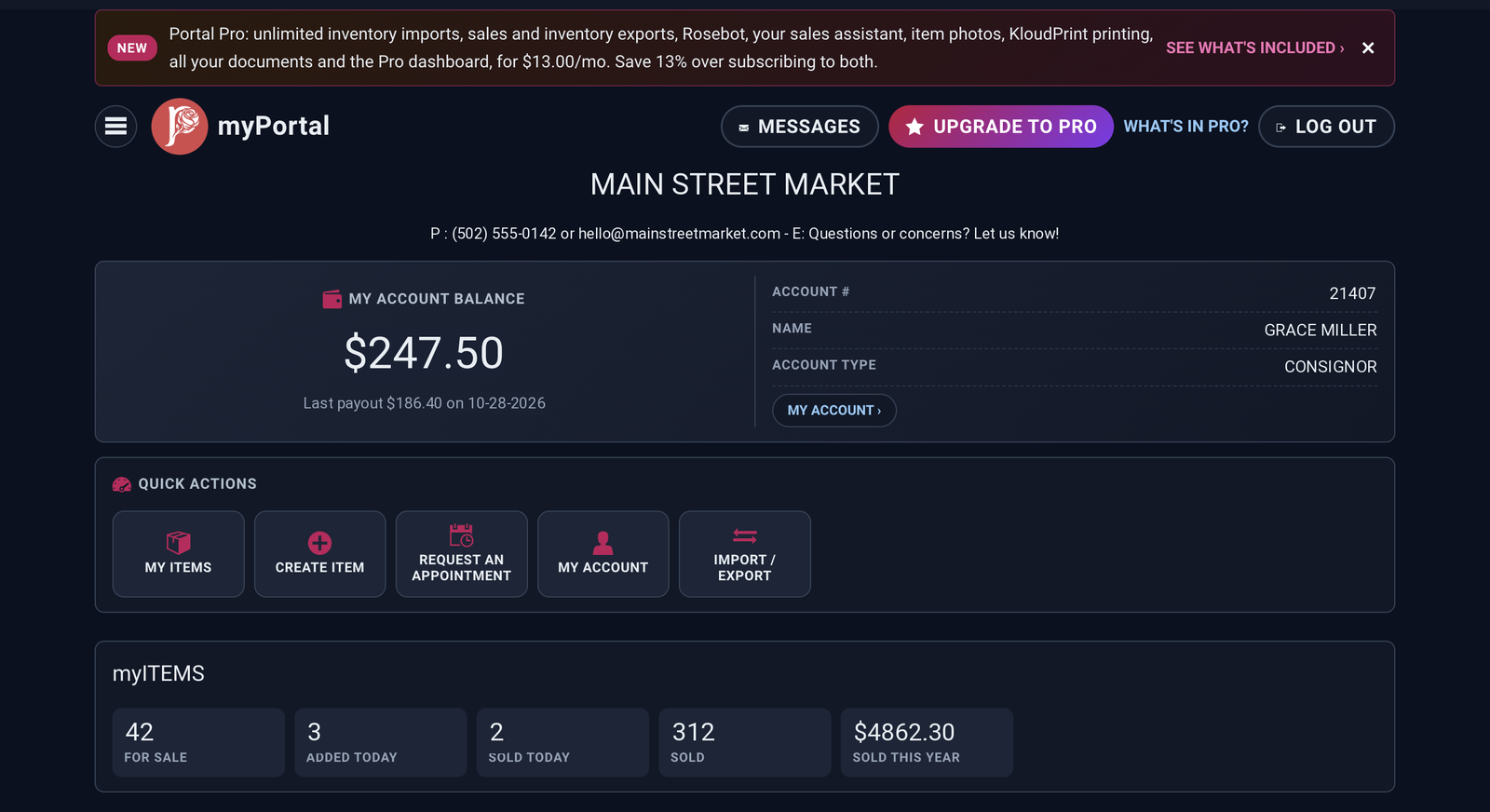
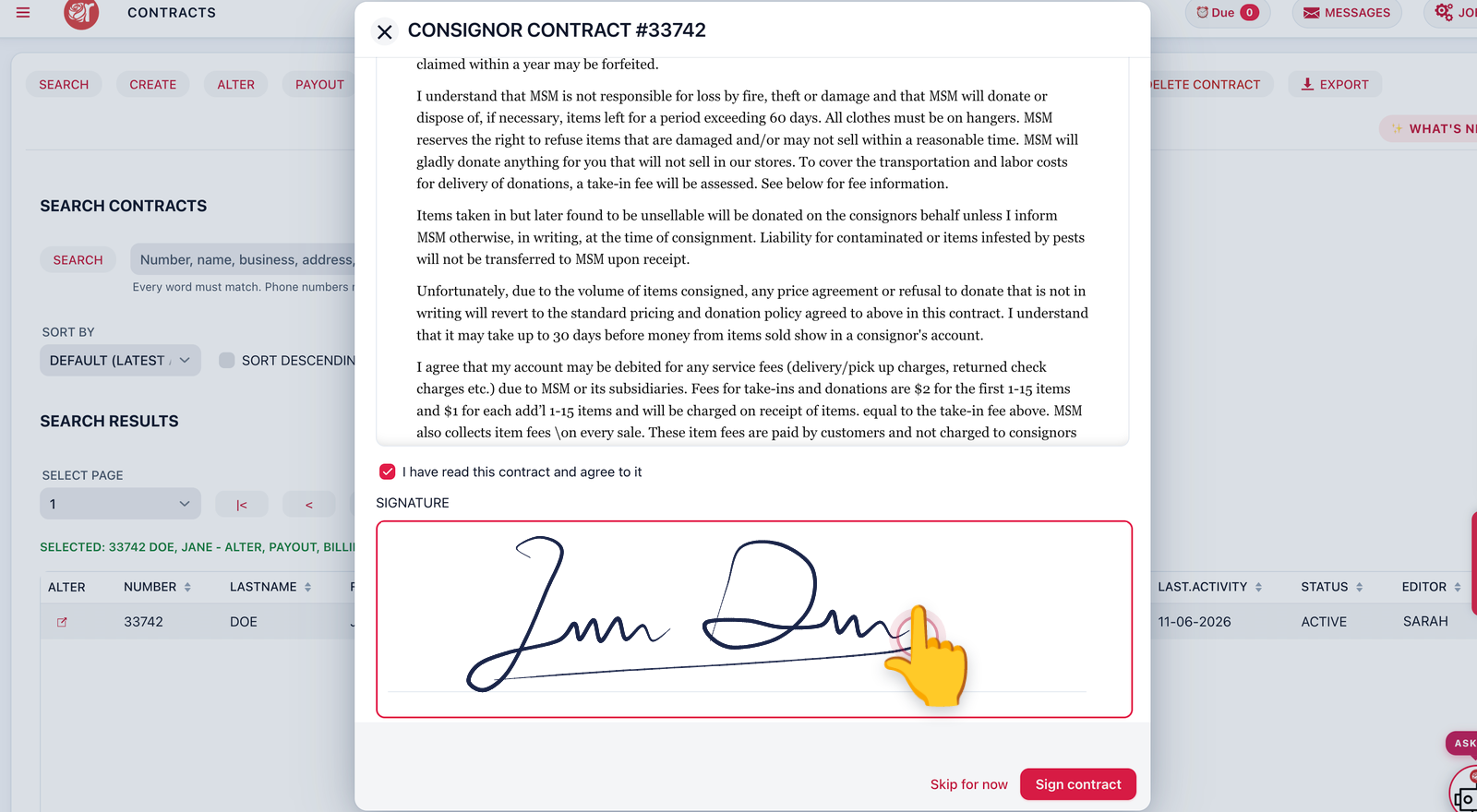
Enter a consignor’s items, snap photos, print the labels and the take-in receipt in one go.
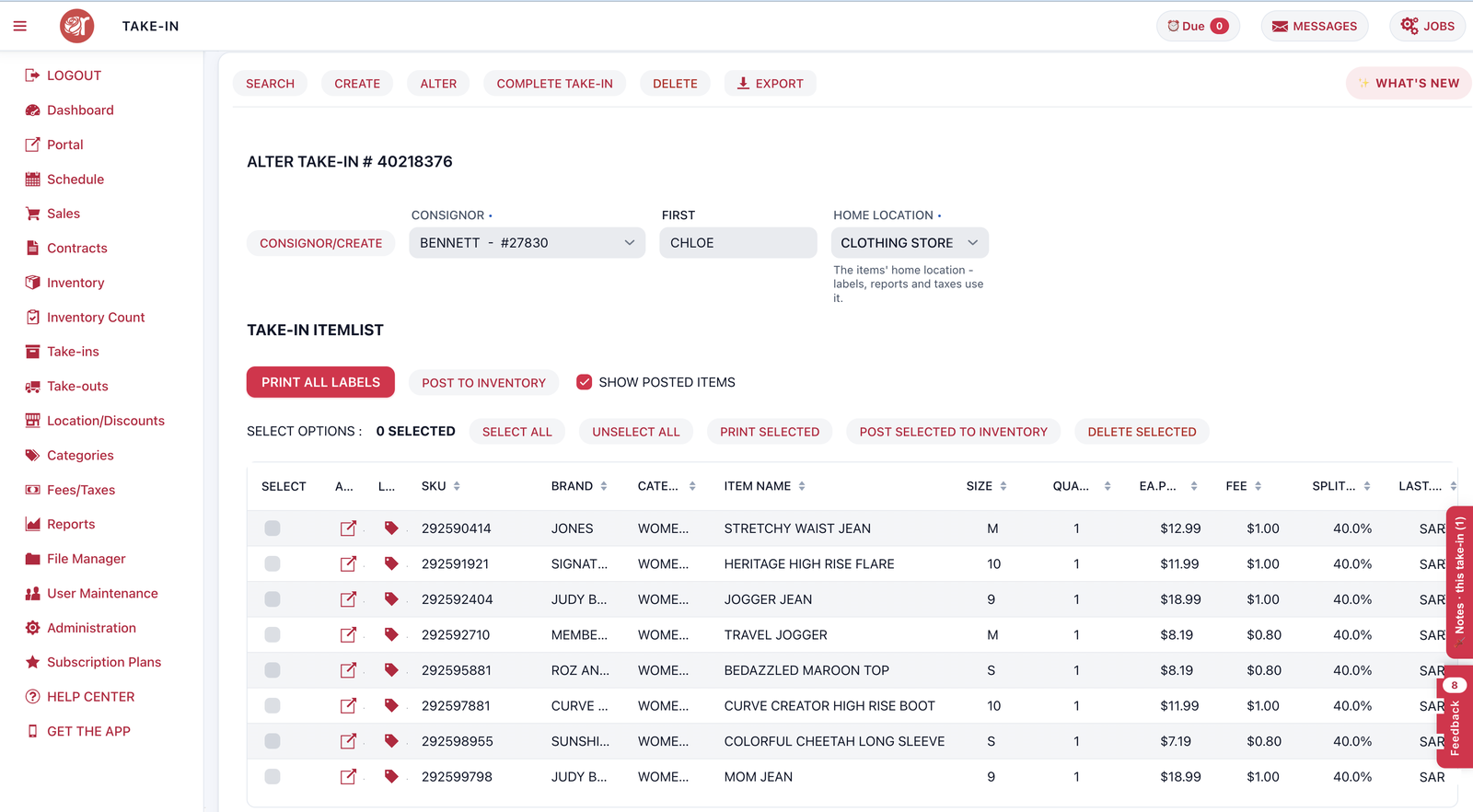
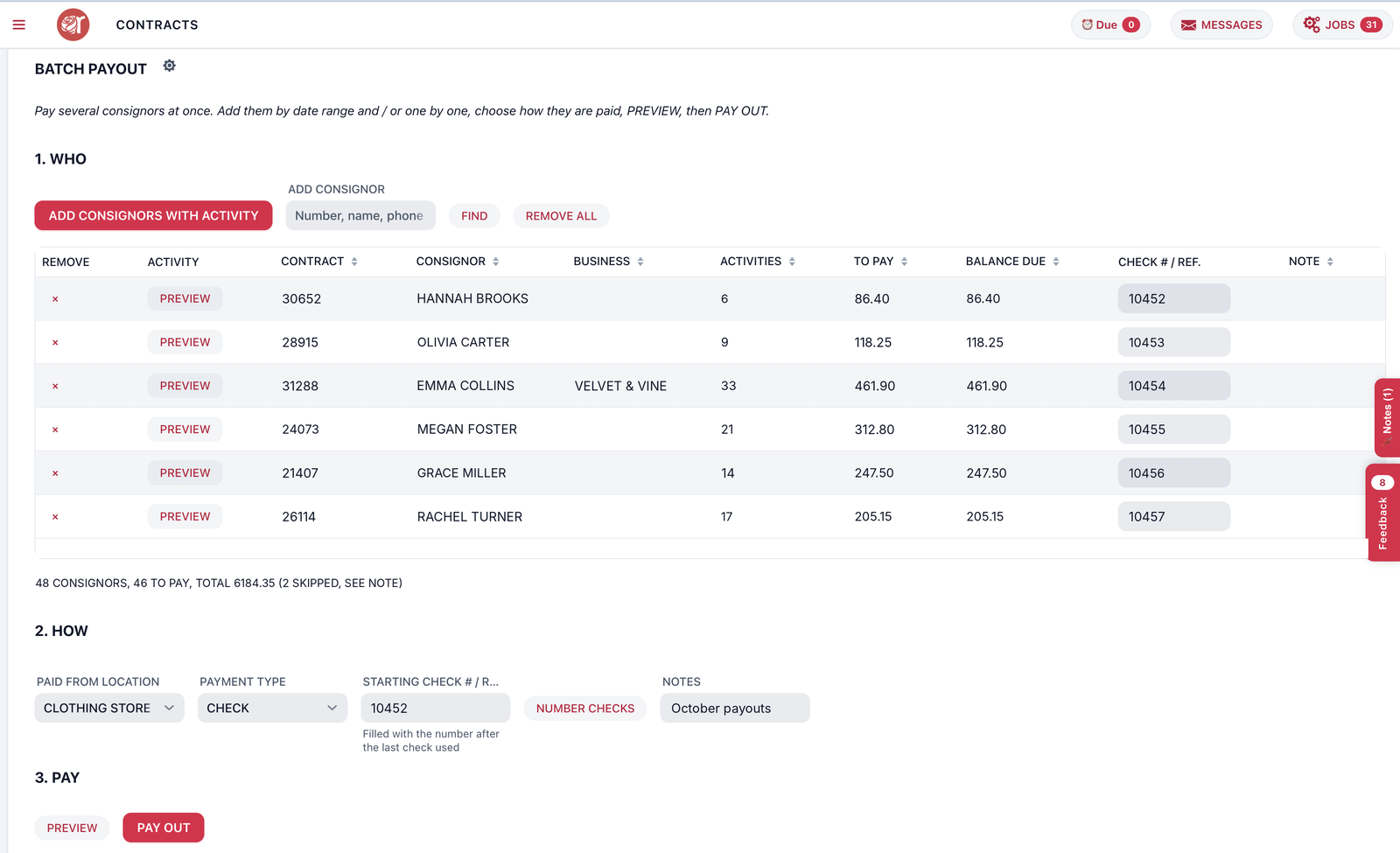
See who’s owed what, pay them all at once and let Rose tell them about it.
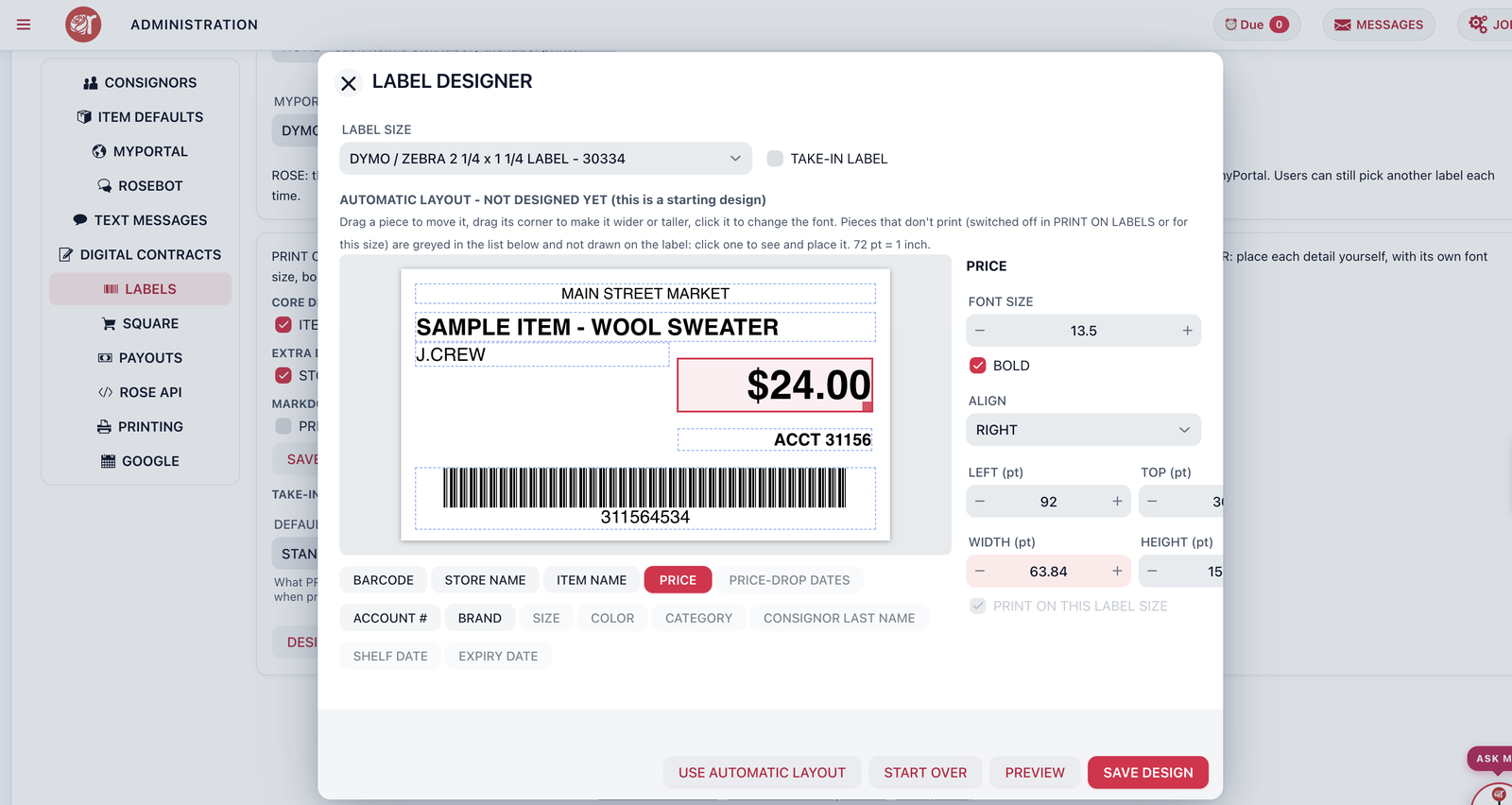
Drag the price, description and barcode where you want them, then print a whole take-in at once.
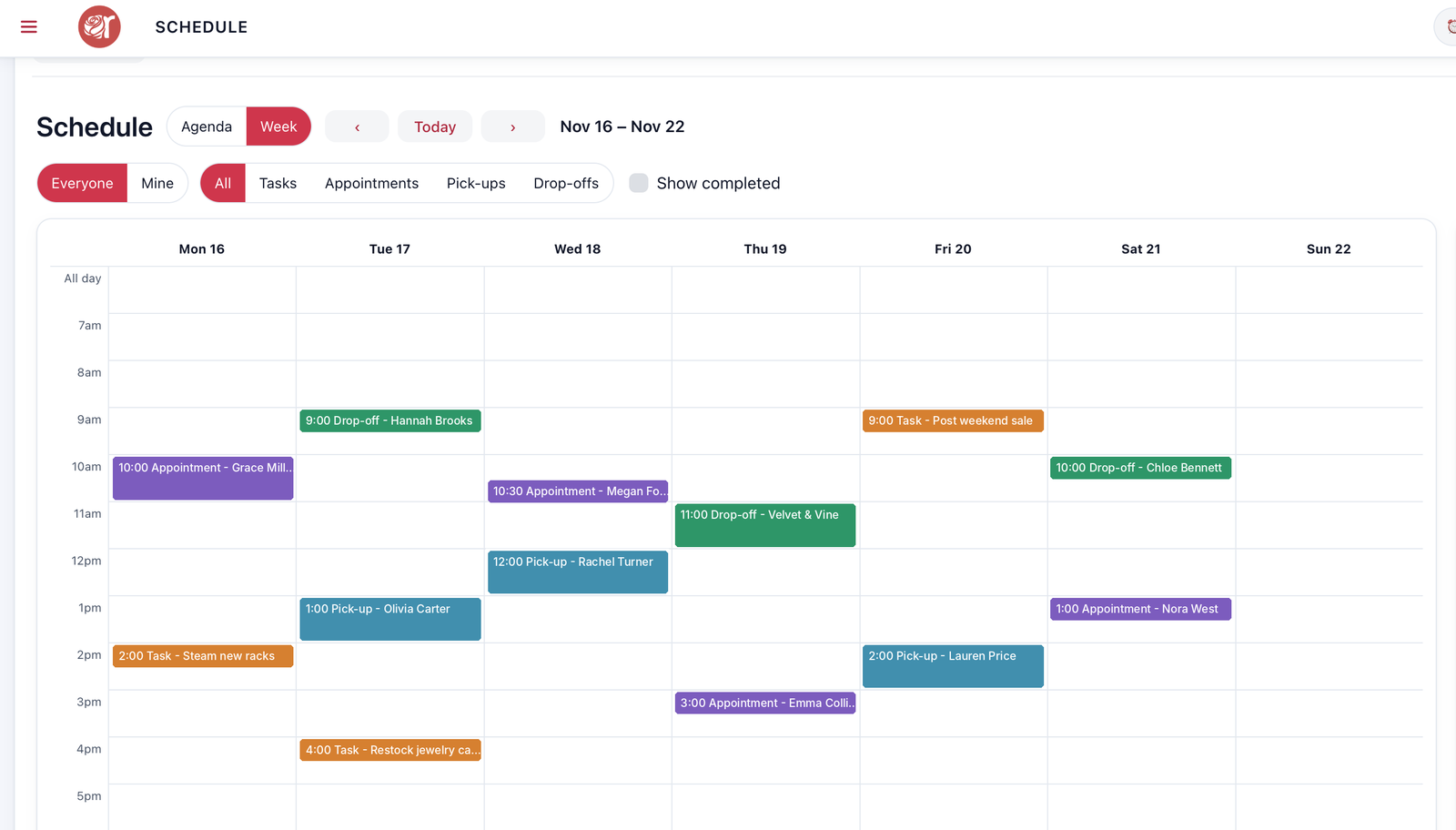
One schedule for the whole team, with reminders that go out to staff and consignors.
 Meet Rosebot Rose Pro
Rosebot is the assistant built into Rose. Ask in plain English and it answers from your own store – sales, inventory, payouts and every consignor.
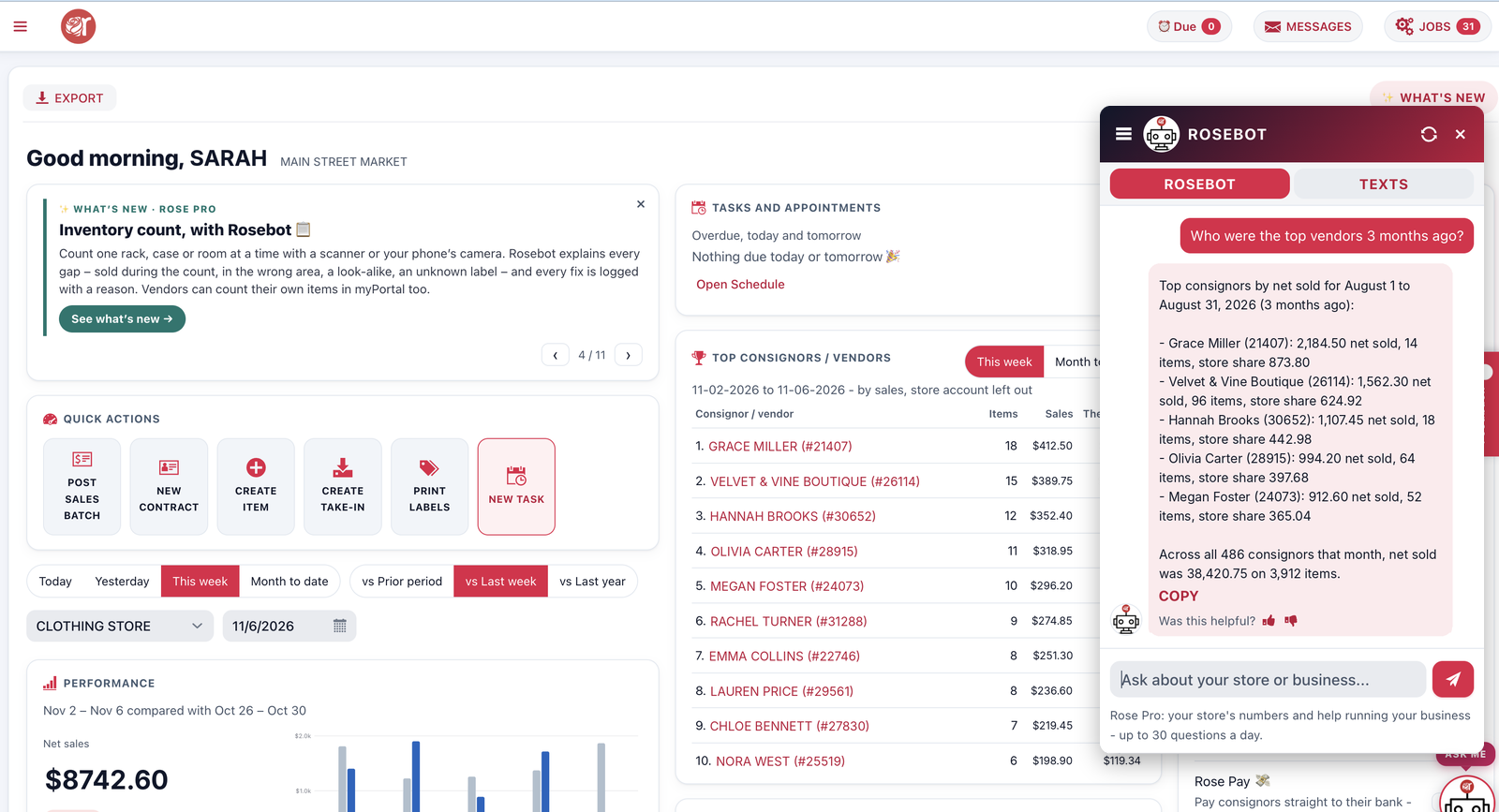 Rosebot: 14 consignors are due a payout this week. Want me to open Batch Payouts with them ticked?
Text one consignor, a few or everyone – and read their replies in Rose.
Learn more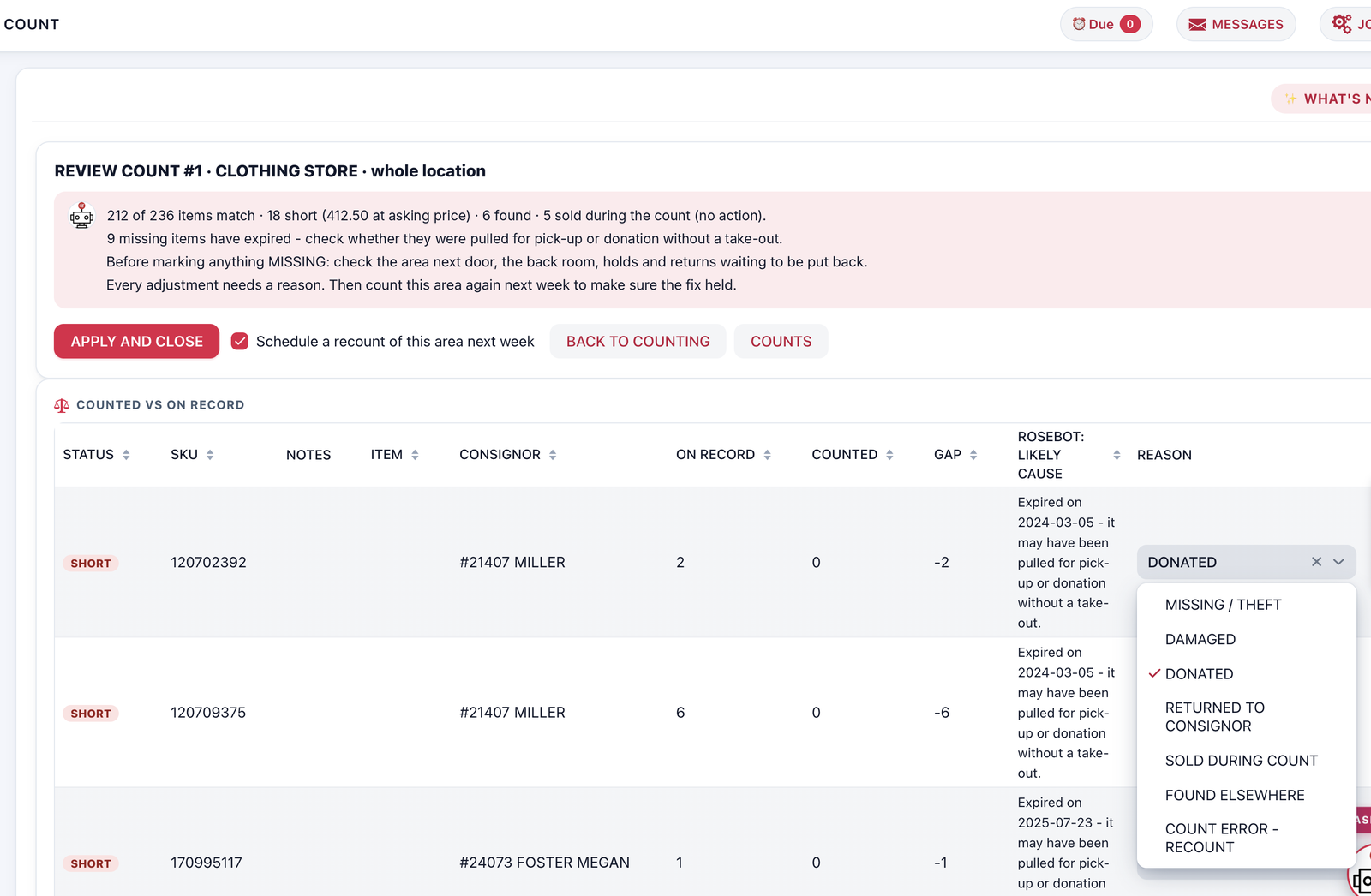
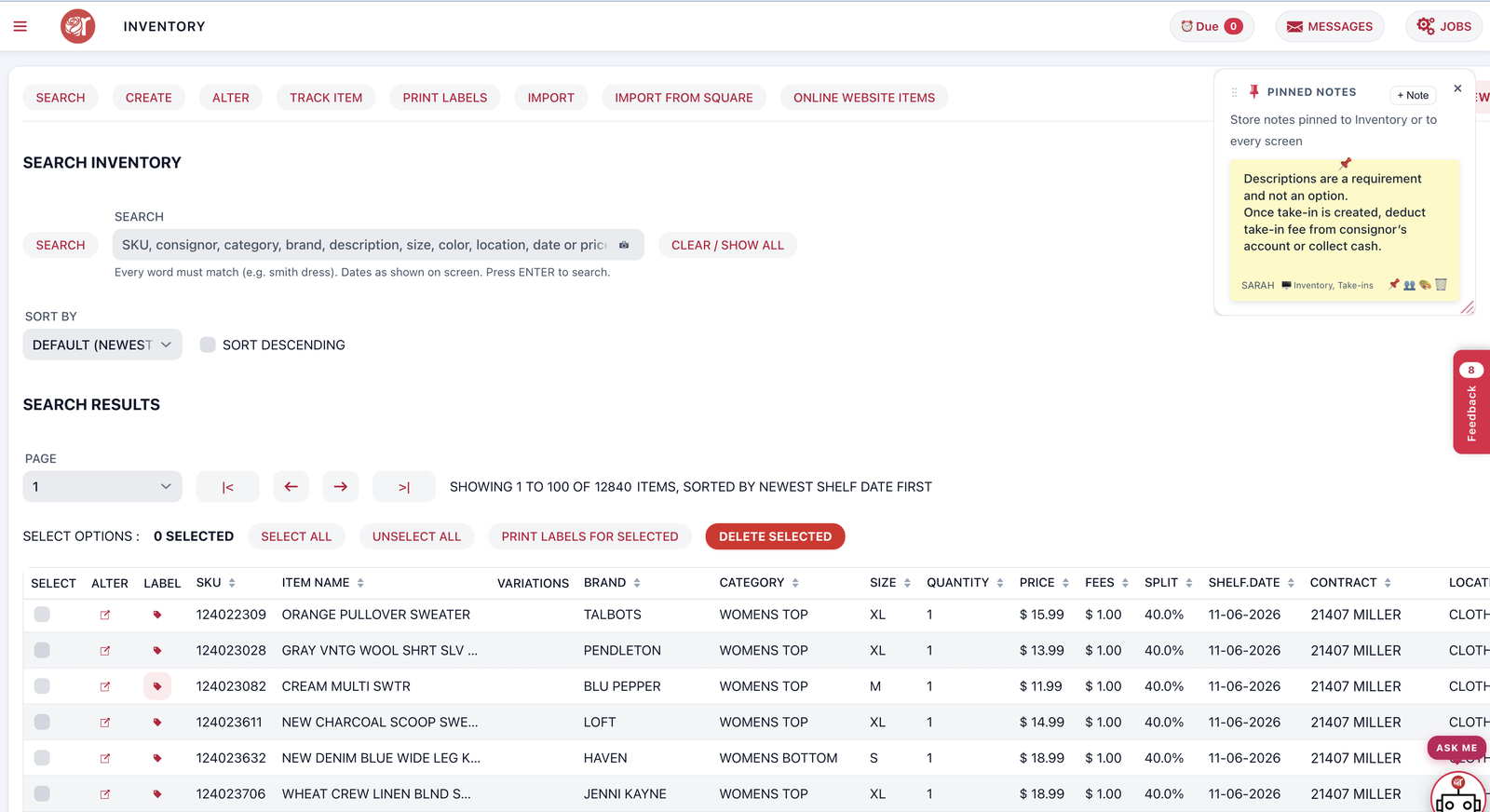
One item, for sale at the locations you choose, with item taxes just like Square.
Learn moreConnect once and every consignor payout books itself.
Learn more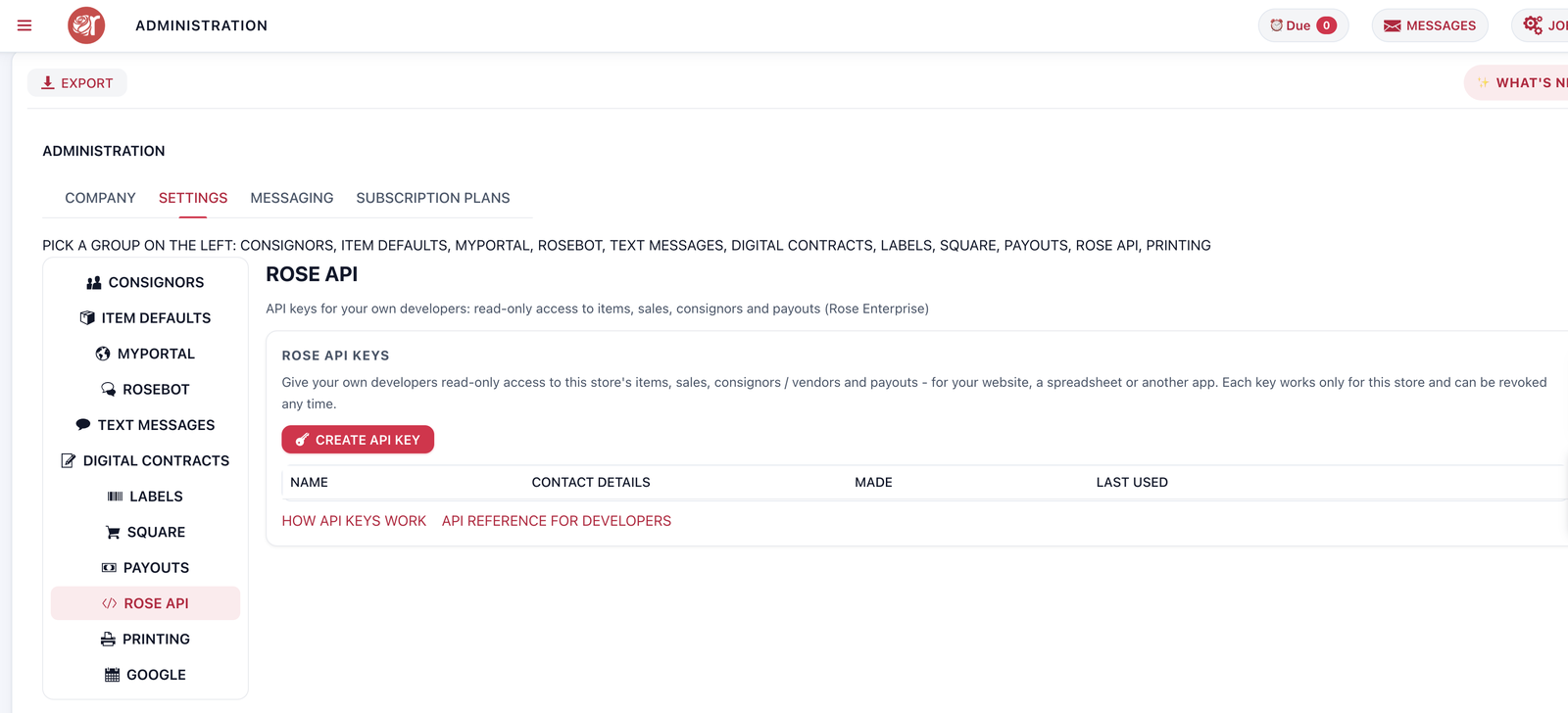
Rose integrates with Square's POS, utilizing Square's email marketing, loyalty, and feedback features.
Learn moreEasily track consignment payouts, print checks, or deduct in-store purchases from account balances.
Learn moreEmpower your consignors and vendors to enter their own inventory.
Learn moreDesign your labels and print a whole take-in at once with Rose Pro.
Learn moreTrack consignor inventory with our Take-In Module, control sales splits, transfers, and vendor portal access.
Learn moreGet an extensive, detailed view of your sales data to ensure your business's continued strategic growth.
Learn moreConsignor Connect can provide a solution for any retail consignment business model.

Whether you’re all consignment or just a little, Rose takes the work out of paying consignors and vendors.
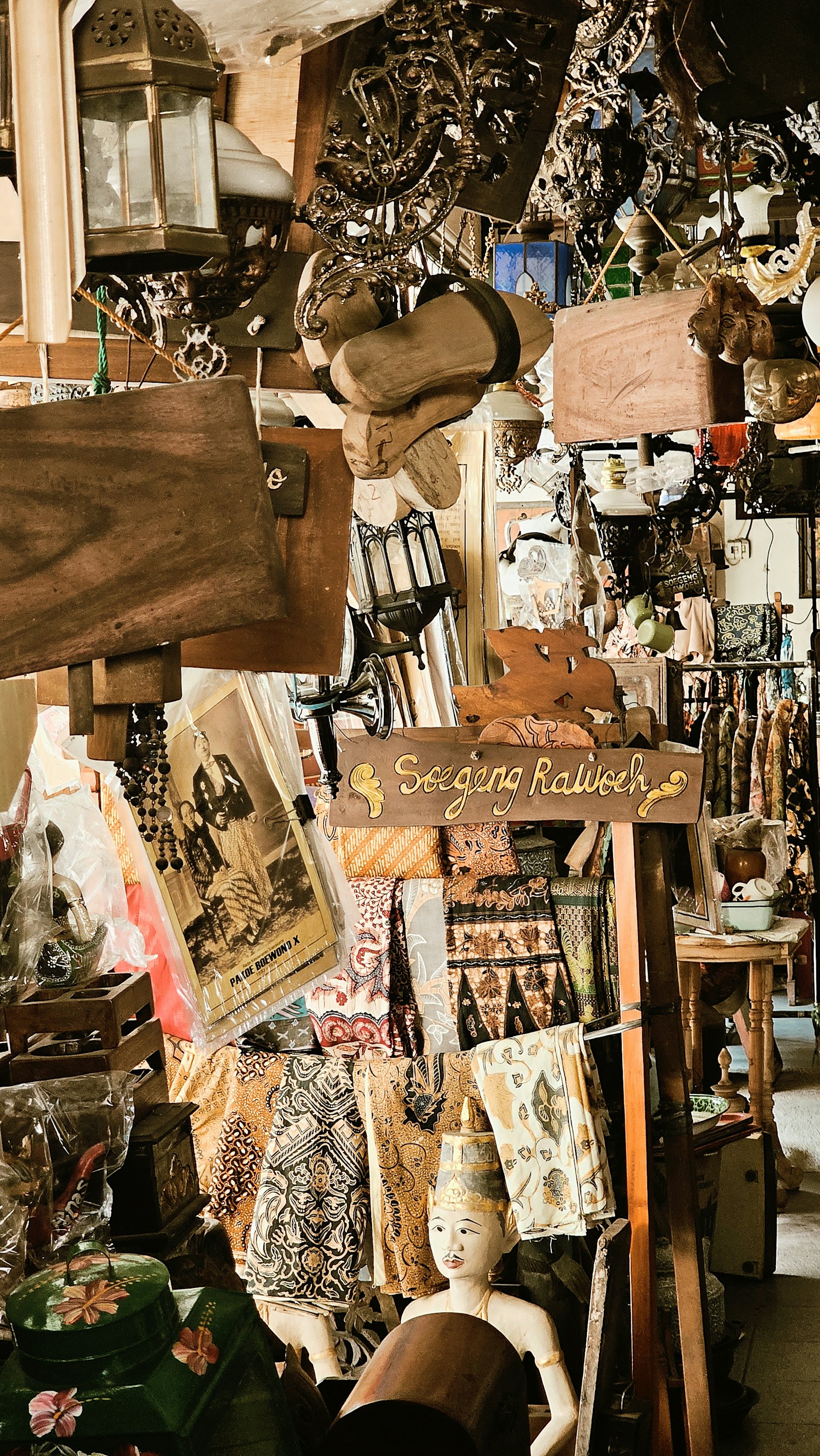
Track every sale on Square, whether your vendors enter their inventory or not. Vendors see their sales in myPortal and know when to restock.
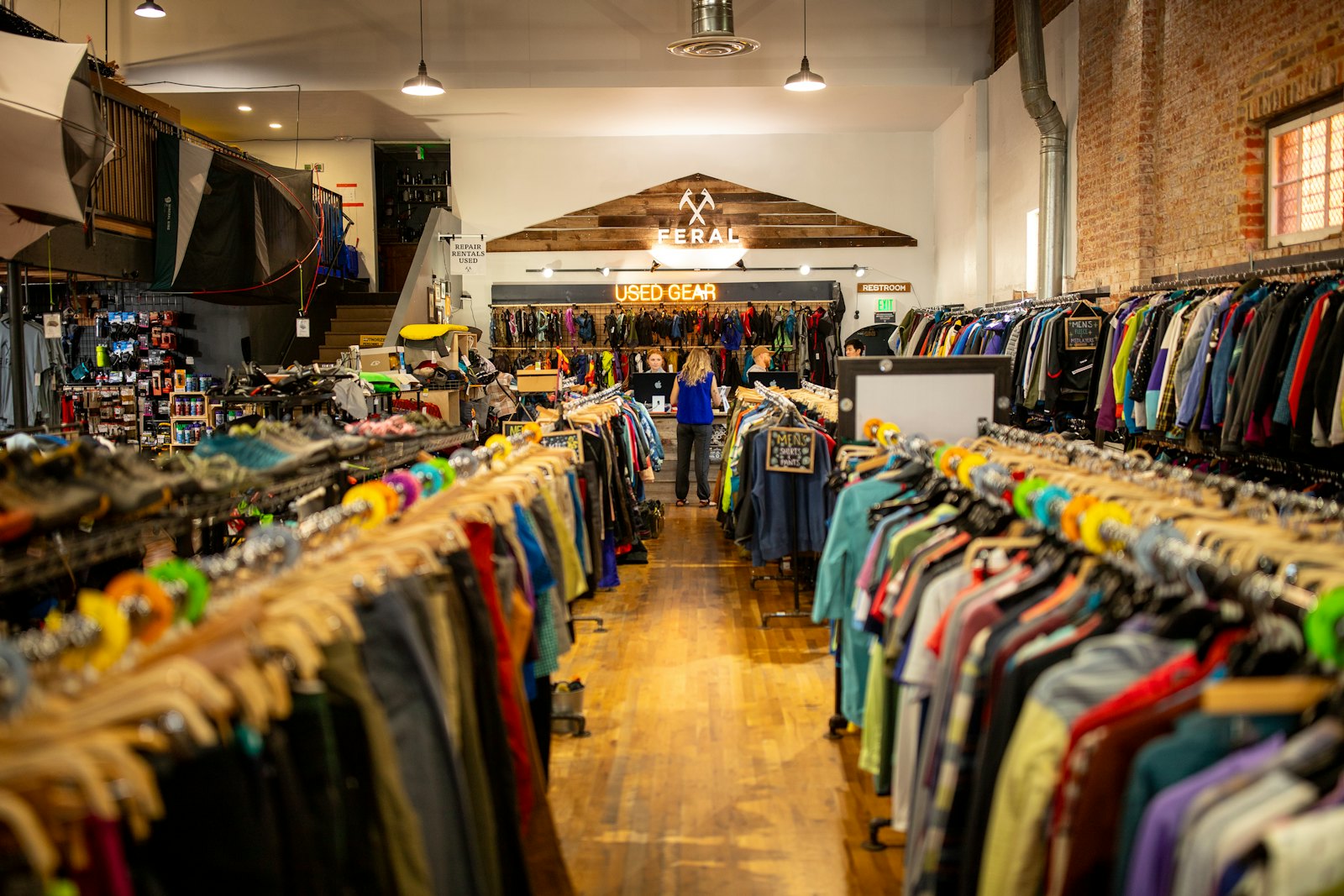
Color card and time-based discounts run themselves, so your markdowns happen on schedule.
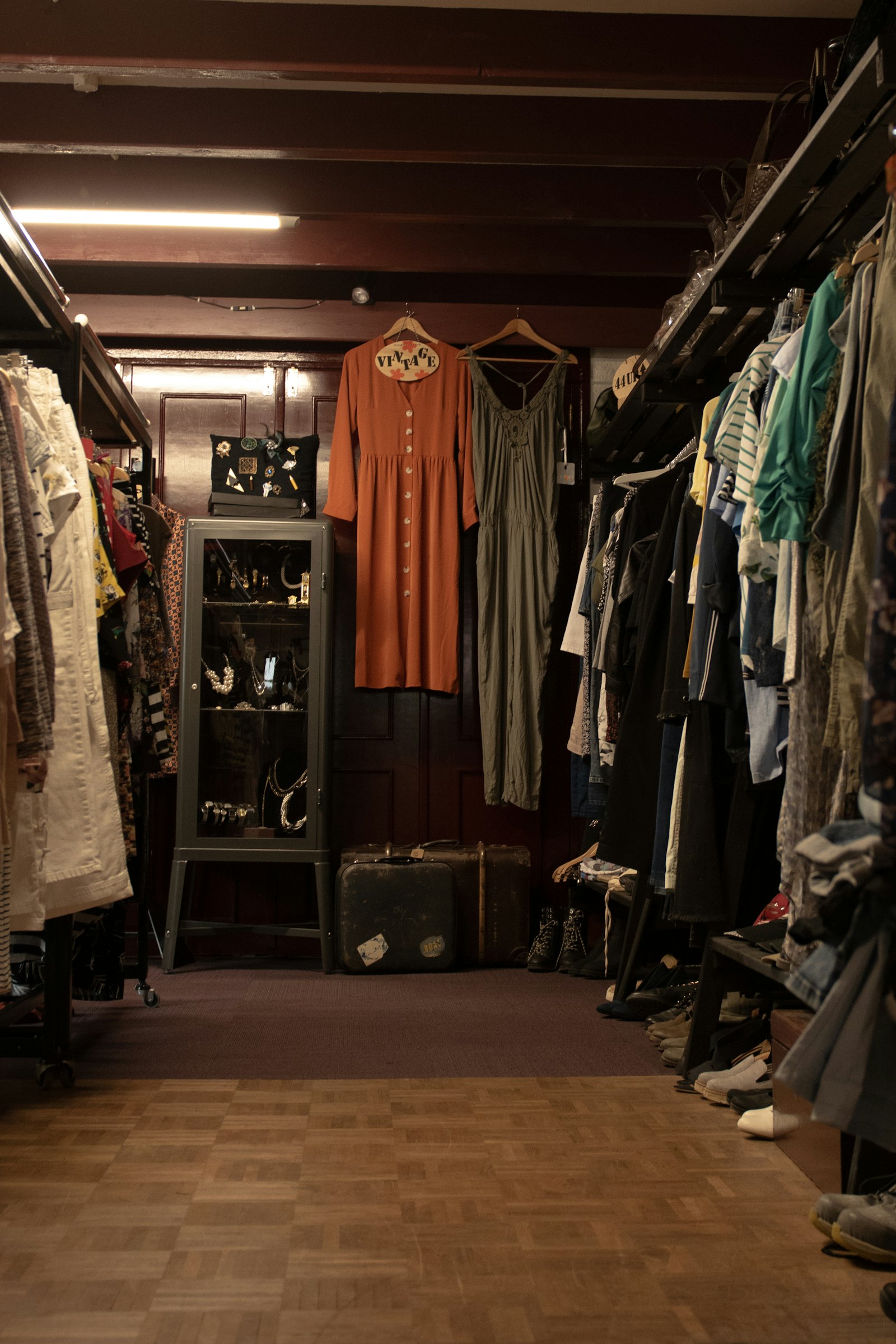
Turn a consignor into a vendor with one click. Vendors manage their own inventory in myPortal.

Artists add their own pieces and print their own price labels in myPortal. Track sales by artist or by medium, right from Square.

Built for busy vendor floors: vendors manage their own inventory and print their own labels, so you can focus on running the market.

Artists, makers, vendors and consignors under one roof? Rose tracks it all – inventory, splits and payouts – in one place.

Running a pop-up? There’s no long-term contract – pay for Rose only when you need it, and we’ll keep your data for the next sale.
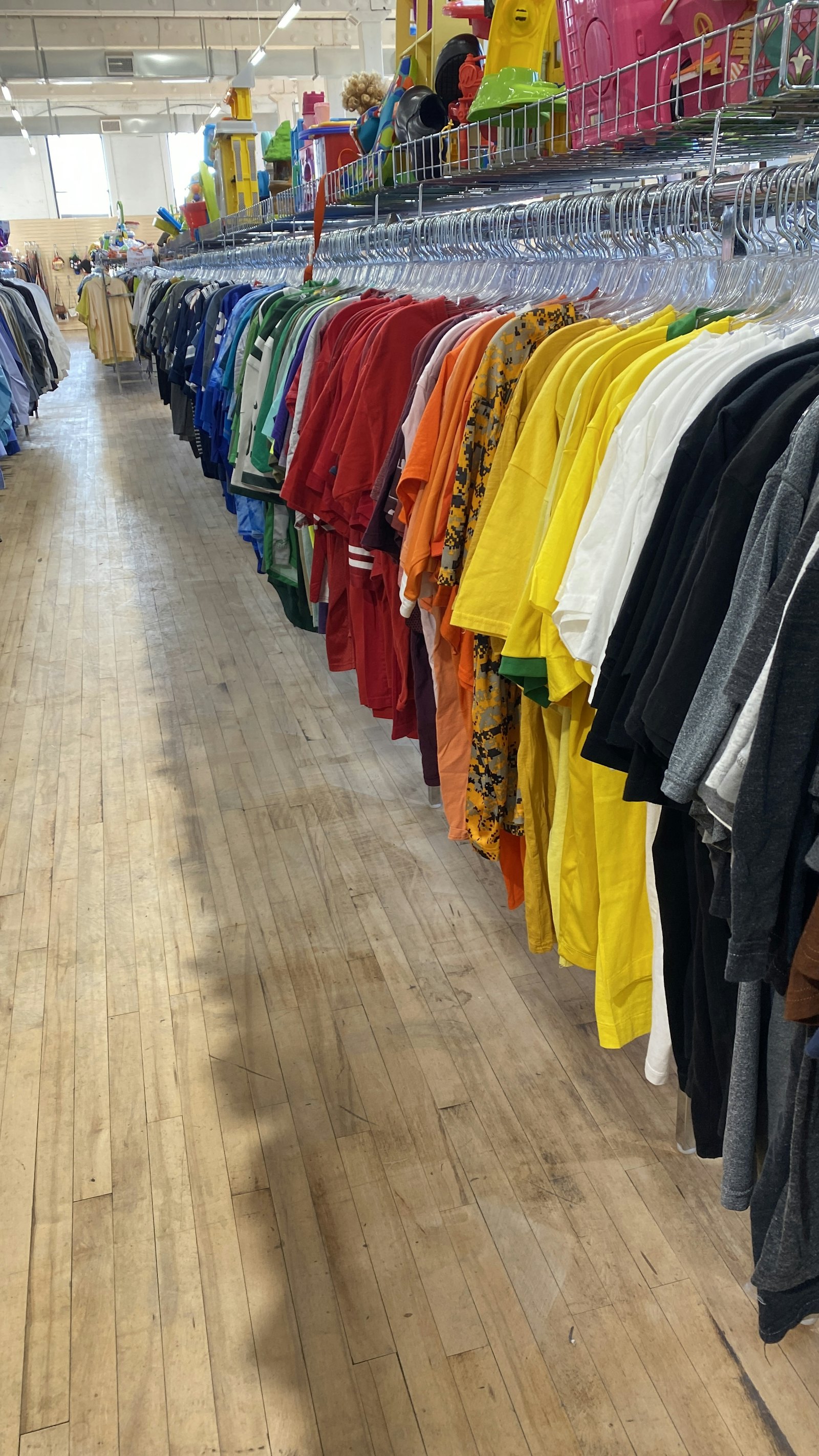
Only open a few times a year? Let us know before your next sale and start adding inventory and contracts. Your data stays safe in between.
We’ve served non-profits for 40 years and know every dollar counts. Ask about our discounts for 501(c)(3) organizations.
Click “Start free trial” – your Rose store is ready in about a minute.
Click “Connect to Square” in your welcome e-mail. Your Square items, locations and taxes come across.
Create your categories and splits, and connect your label printer with the set-up wizard.
We’re here to help. Ask for our inventory and contract templates to import everything at once.
Boost sales with Square's integrated digital rewards program.
Get private feedback from your customers so you can keep what's working and turn any opportunities into revenue generators.
Build your online store with Square and connect it with Rose.
Keep your customers in the loop and track results immediately with text message campaigns.
Create and send email marketing campaigns with Square's CRM tools.
Loyalty, feedback & online storeWe inherited a disaster of a consignment business....most of all, the support is always available: very understanding, dedicated, and trustworthy staff at Rose. Our vendors love the ability to view their accounts online 24/7. We are the only outlet that offers that feature for our vendors - Thanks Rose!
Business problems we solved with Rose for Square are providing a detailed report of items taken in from the consignor, creating a detailed label for their take in, having a portal for the consignor to check their balance, less time doing paperwork manually keeping track of their balances. This software saved my life.
Another ski swap success. Your software allows it to happen, thank you very much. The line up to get inside was very long this year, I'm happy to say that we moved over $40k in equipment.

Registers, terminals, stands, readers, label printers and scanners – and the printing set-up wizard connects them for you.
Start your 30-day free trial. No credit card needed – your Rose store is ready in about a minute.